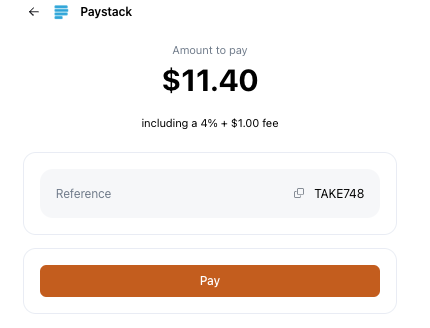
You can choose to pass payment processing fees to your customers by adding a percentage-based fee, a fixed fee, or both. This is available for automatic payment methods only (e.g., Stripe, Paystack).
How to Add a Payment Processing Fee
- Go to Settings > Payments
- Select the payment gateway you want to apply the fees
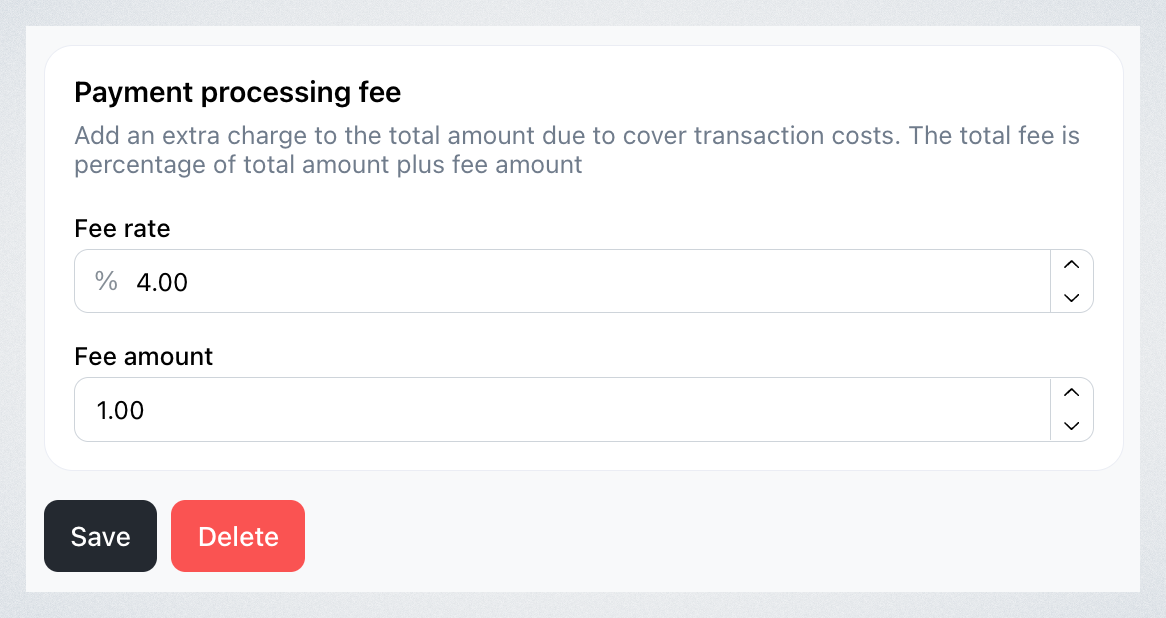
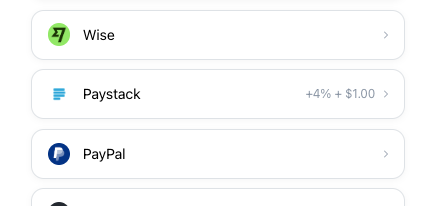
- You’ll see an option to add a percentage-based fee (e.g., 4%) and a fixed fee (e.g., $1)
-
For example, if Stripe charges you 3.4% + $0.50 per transaction, you may choose to charge your customers 4% + $1 to cover these costs.

-
- Click Save to apply the processing fee to all future orders. The customer’s total at checkout will now include the additional fee.
Reviewing the Changes
-
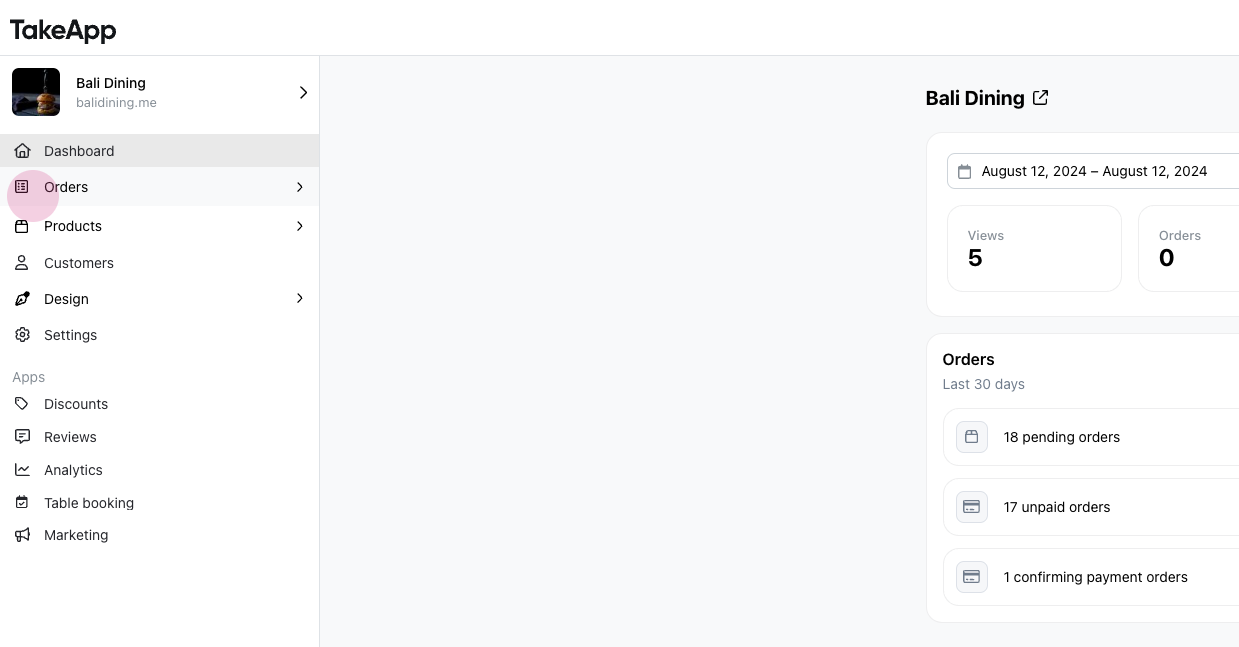
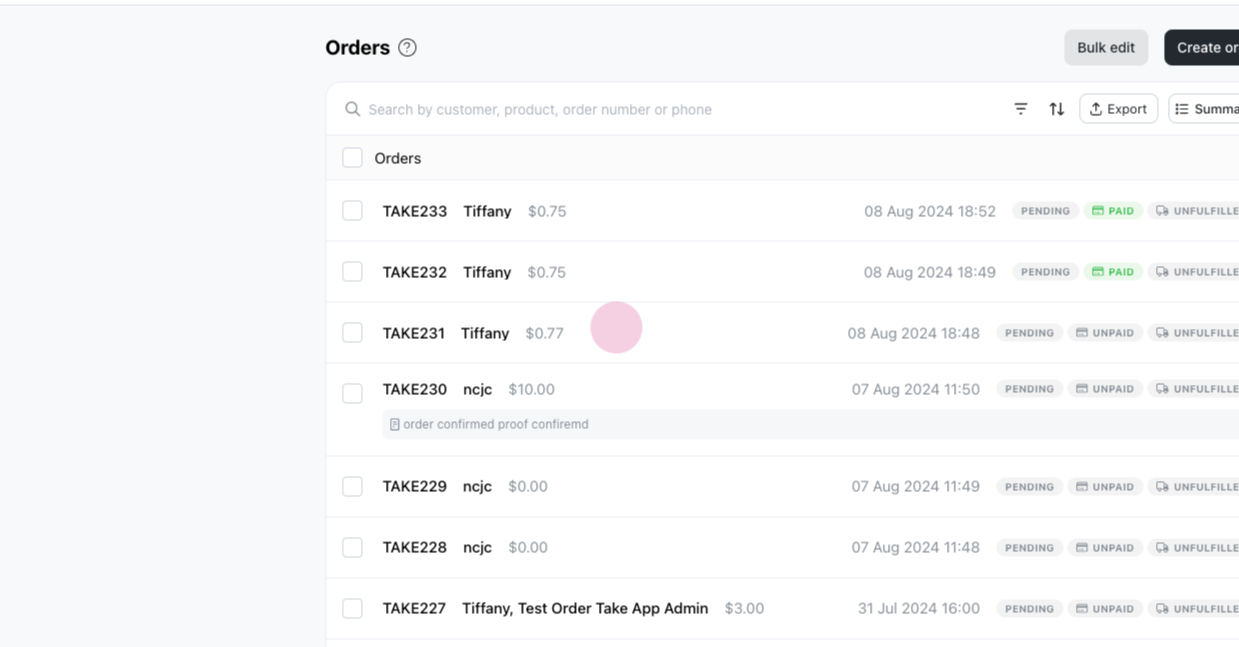
Navigate to 'Orders' and select an unpaid order.
-
Go to the payment link. You’ll see the original price with the added 4% + $1 processing fee included in the total.
-
Click Pay to view the full cost with the transaction fee applied.