
Business plan is required. Learn Subscriptions
You can create up to 5 different stores in the Business plan. This is ideal for businesses managing multiple outlets or brands. If you need more than 5 stores, additional stores can be added for $8 per month each. For more details on scaling options, please check this add-ons article.
The Business Plan is designed to accommodate growth, allowing you to start with 5 stores and scale as your business expands. This flexible approach ensures you can grow at your own pace without significant upfront commitments.
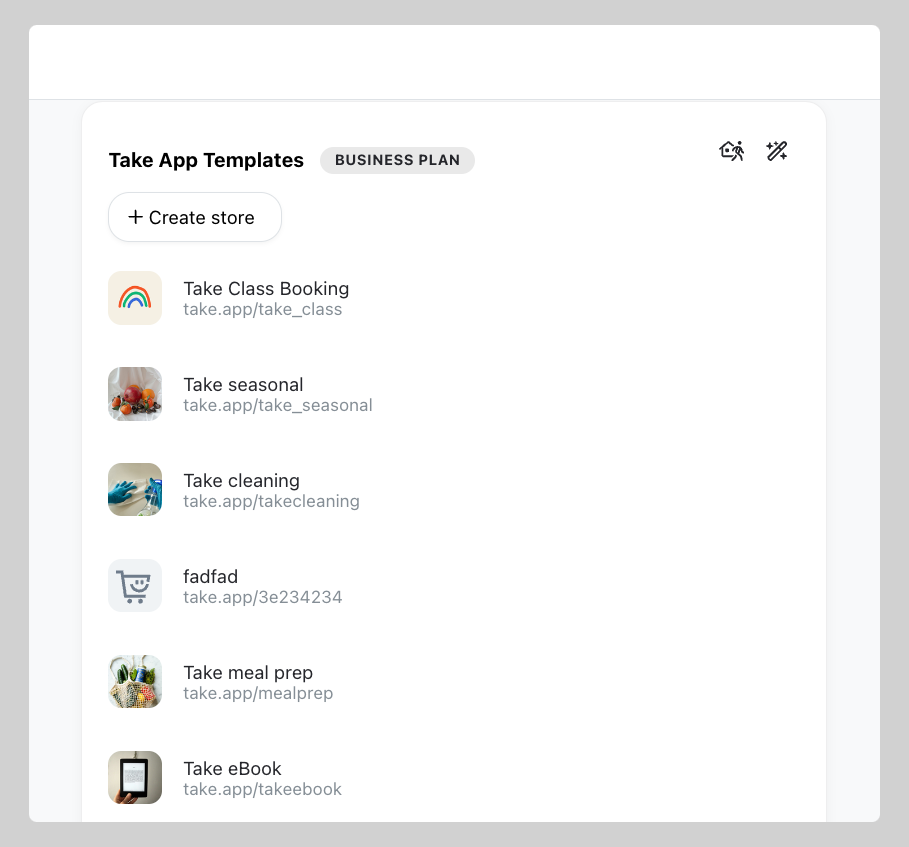
Create your new store
-
Go to your Admin panel, and hover your mouse over your store name. Click on
Create new storefrom the dropdown menu.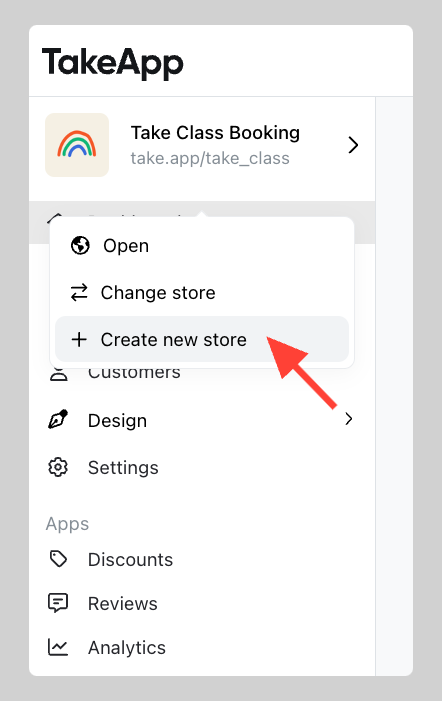
-
Type your Store name, WhatsApp number, Currency, and Store link. Then click Create
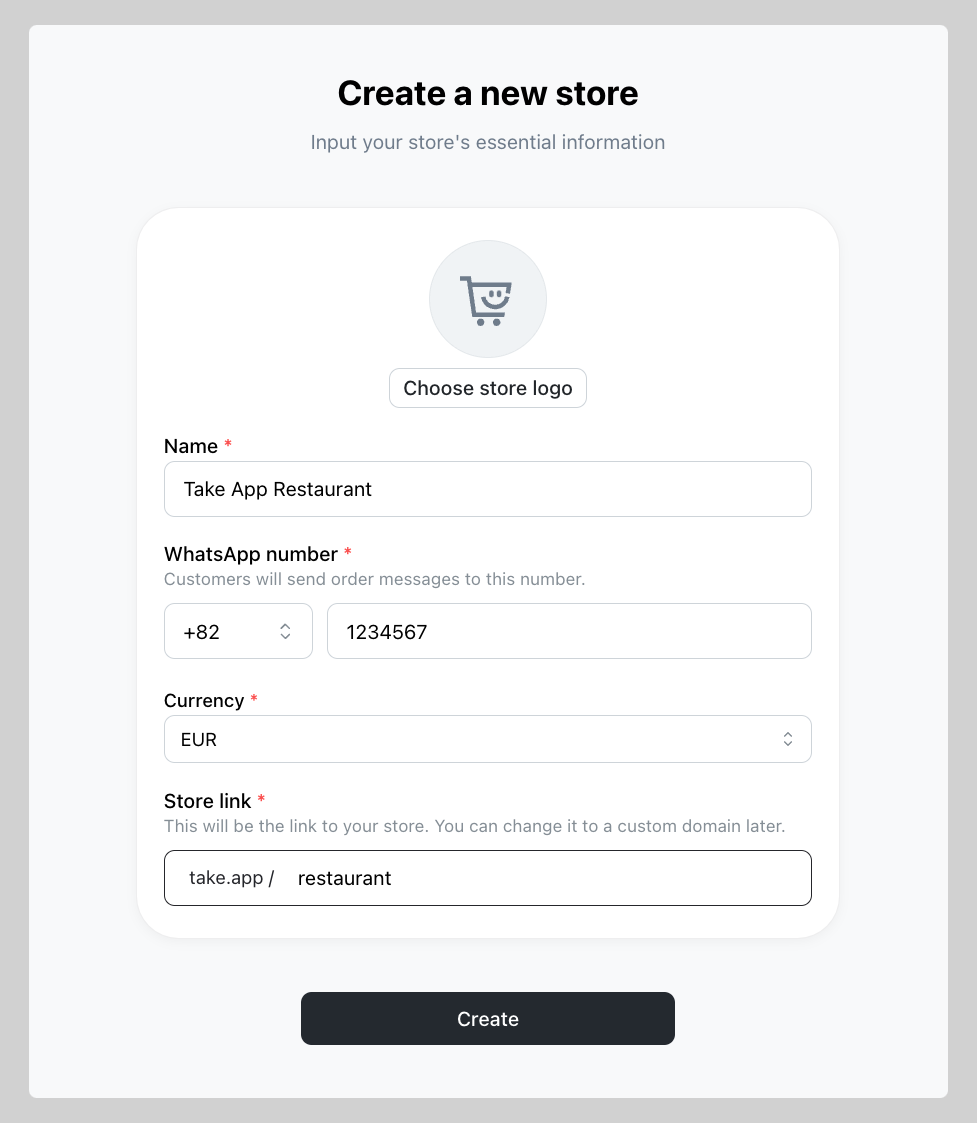
Tips: You can use either the same or different `WhatsApp number` for each store created